Skip to content
FardVisor
B2B B2B ordering & delivery

Every business order, from the first click to the settled invoice.

B2B connects your business customers to your production and distribution. They place one order online. The system splits it across your production sites, tracks it to their door, confirms delivery with a one-time code, invoices what actually arrived and collects the payment. Your sales team supervises. It no longer chases.

25,744orders placed
250active users
< 2 weeksto go live
Sample data
Customer order screen: products by unit, weight or pack, delivery date, and the order's own code.public/assets/img/products/b2b-order.png

The problem

When orders come by phone and WhatsApp, every step depends on one person.

A customer calls or sends a message. A sales rep writes the order down, passes it to the warehouse, gets a dispatch note written by hand, issues the invoice and follows up on the payment. Then does it all again for the next customer.

  1. Order

    Copied from a call, a message or a spreadsheet. Quantities and prices are retyped by hand.

  2. Warehouse

    Receives the order second-hand, one message at a time.

  3. Dispatch

    A handwritten note leaves with the driver. After the gate, nobody can track it.

  4. Delivery

    Shortages and returns are argued about days later.

  5. Payment

    Customers pay by bank transfer, and someone has to match each transfer to an invoice.

The work grows with every new customer. So does the number of people it takes.

The path of one order

One order. Six stations. One code from start to finish.

Every order gets its own code the moment it is placed. Follow it through the system: each station has one owner, and nothing moves without a record.

  1. Order

    Customer

    Online or by bulk upload, for one branch or many. Minimum order, ordering hours and capacity are checked before the order is accepted.

  2. Split

    Production · Warehouse

    Each product belongs to a production site or warehouse. The system splits the order and sends each site its own list, grouped and ready.

  3. Dispatch

    Warehouse

    Items from different sites come back together on one dispatch note per customer, with a driver and a delivery date.

  4. Deliver

    Driver · Customer

    The customer scans the note, sees exactly what should arrive and confirms with a one-time code. Times, shortages and returns are recorded.

  5. Invoice

    System

    The invoice follows what was delivered, not what was ordered. Shortages and returns adjust the customer's account automatically.

  6. Pay & settle

    Customer · Finance

    Online payment through FardPay, a receipt upload, or credit within a limit. Each product's revenue can go to its own bank account.

ORD-10482One code per order · traceable at every station

Your sales rep watches the path and steps in only when something goes wrong.

Split and merge

Your customer places one order. Each production site gets its own part.

Bread from one site, pastry from another, packaged goods from the warehouse. Your customer doesn't need to know any of that. They see one order, one delivery and one invoice.

  • Split

    You assign each product to a production site or warehouse once. From then on, every order is divided automatically, and each site, production line or warehouse receives only its part, grouped by product.

  • Merge

    At dispatch, the parts come back together on one dispatch note per customer. When needed, one order can also leave on several notes.

  • One code

    The order's code stays with every part. The customer, the driver and finance all find the same order by the same code.

One production site or several, your customer's experience stays the same.

Sample data
Dispatch note: one customer, items from two production sites and the warehouse, driver, delivery date and order code.public/assets/img/products/b2b-dispatch.png
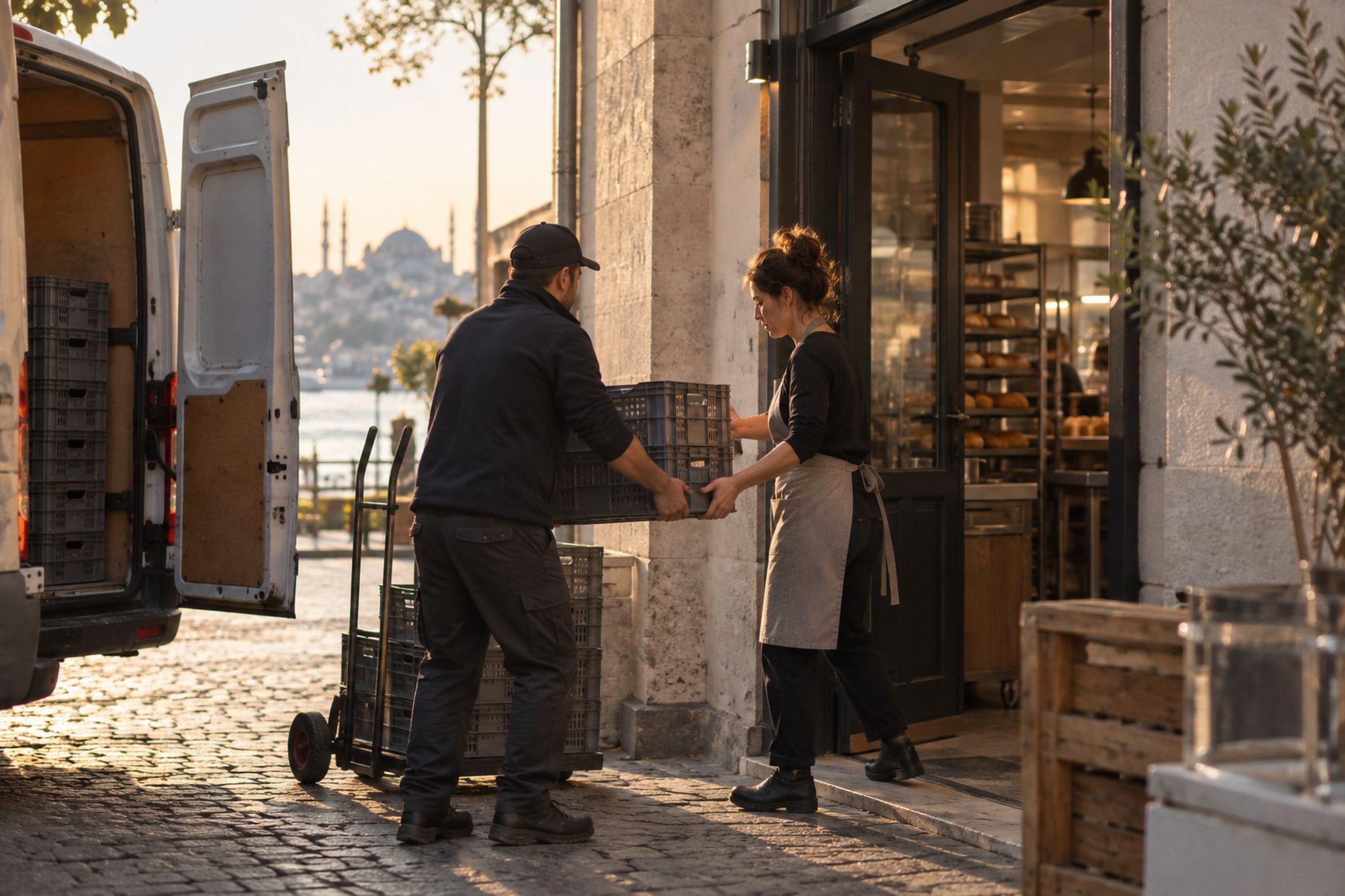
Goods delivered at the back door of a shop

Delivery

Delivery is confirmed by your customer, not by a signature on paper.

The dispatch note is in the system before the truck leaves. When it arrives, your customer scans it on a phone or computer, checks each item against what should arrive and confirms with a one-time code (OTP) in the web app.

  • Departure and delivery times are recorded automatically.
  • Shortages and returns are recorded at the door, item by item.
  • Those differences go straight to the customer's invoice and account, with no separate claim.
  • Driver performance reports come from the same records.

When someone questions a delivery, the answer is already in the record.

Sample data
Delivery web app: items to receive, shortages and returns, one-time code.public/assets/img/products/b2b-delivery.png

Payments and credit

Invoiced on what arrived. Paid without chasing.

Each invoice is based on the quantities delivered. The customer's account shows what they owe and what they're owed at any moment. They pay the way you've agreed with them.

  • Online

    Through FardPay, linked to the invoice.

  • Bank transfer

    The customer uploads the receipt against the invoice.

  • Credit

    Weekly, 15-day or monthly terms, with a credit limit per customer.

Adjustments

If a customer paid for more than arrived, the difference goes back to their wallet. If more arrived than was invoiced, a supplementary invoice is issued.

Revenue, split by product

If bread and pastry come from different production sites of the same company, with separate accounts, each product's revenue can be paid into its own accounts: one or several per product.

Sample data
Customer account: invoices, adjustments, payments, credit limit and balance.public/assets/img/products/b2b-account.png

Finance sees every balance live. The sales rep no longer keeps each customer's account.

Rules the system keeps

Your policies, applied to every order.

You set the rules once. The system applies them to every customer and every order, so nobody has to remember them.

  • Minimum order

    Orders below the minimum amount you set are not submitted.

  • Ordering hours

    Orders are accepted only within the hours you allow.

  • Capacity and lead time

    An order that can't be prepared in time for delivery is stopped before it is accepted.

  • Customer levels

    Each level has its own payment terms and credit.

  • Units

    Sell by unit, weight, volume or pack, even in the same order.

  • Brands and branches

    Each branch can order on its own, or several can go into one group order.

  • Onboarding

    New customers request membership, and you approve them.

  • Roles and access

    You decide who orders, who approves, and who sees prices, invoices and payments. Every step is logged.

  • Bulk upload

    Customers, products and orders can come in from a spreadsheet.

  • Reports

    Orders, deliveries, drivers, product sales, customer credit, and cancelled and draft orders.

  • Your ERP

    B2B doesn't replace your accounting system or ERP. It exchanges data with them through an API.

Where B2B came from

It started at a bread and pastry producer, where every order was a phone call.

In bread and pastry, production and delivery leave little room for delay. Orders arrived by phone, WhatsApp and spreadsheets. Each sales rep looked after 10 to 20 customers and did everything for them: took the order, sent it to the warehouse, issued the invoice and kept track of cash and credit. Dispatch notes were written by hand, and once an order left the gate, nobody could say where it was.

The need wasn't more sales reps. It was a process that runs on its own and calls a person only when something goes wrong. So we built B2B.

Before10–20

customers for each sales rep

Now150

customers for one sales rep, 2–3 hours a day

The system is built to carry many more.

We didn't start from software. We started from a sales rep's day.

Is B2B for you?

If you sell to businesses, your orders shouldn't depend on phone calls.

B2B works for any producer or distributor that sells to other businesses, with one production site or several. It also works for chains whose branches order from a central site.

Live in under two weeks

You upload your customers and products, and the system is ready to take orders.

B2B fits if

  • You produce or distribute, and you sell to other businesses.
  • Your customers order often, for several branches or brands.
  • You run more than one production site, production line or warehouse.
  • You sell on credit and need to control each customer's limit.
  • Your sales team spends its day taking orders instead of looking after customers.

It's not for you if

  • You sell to consumers (B2C).
  • You're looking for accounting software or an ERP. B2B connects to yours; it doesn't replace it.

Let's look at how your orders move today.

Tell us how orders reach you now. In the first meeting we map your path from order to payment and show you where B2B fits. If it doesn't fit, we'll tell you.

Request a meeting We reply within 24 hours. All products

B2B is an independent brand owned by FardVisor.