Skip to content
FardVisor
Create. Send. Get paid.
Payment control at the till

Every payment at your till, confirmed by the bank.

FardPay gives every sales slip its own payment link. The amount comes straight from your sales system. Your customer pays by QR code, NFC or a text-message link, and the bank confirms both the payment and the settlement. No one at the till has to trust a screenshot.

25,000successful payments in 5 months
Sample data
Customer payment screen: slip number, amount and bank confirmation.public/assets/img/products/fardpay-checkout.png

The problem

At many tills, the proof of payment is a screenshot on the customer's phone.

When a customer pays by bank transfer at the till, the cashier looks at a receipt on the customer's phone and lets them go. The amount is typed by hand. Nothing links it to the sales slip. Finance finds out days later, if at all.

QuestionBank transfer at the tillWith FardPay
Who confirms the paymentThe cashier, looking at the customer's screenThe bank
Where the amount comes fromTyped by handYour sales system
Link to the sales slipNoneOne link per slip
SettlementChecked later, if at allConfirmed by the bank, with time and amount
DifferencesFound days later, hard to traceVisible in the dashboard, per transaction

These are not cashier mistakes. They are gaps in the process, and small gaps add up month after month. FardPay closes them at the point where the money comes in.

How it works

One slip, one link, one confirmed payment.

Follow a single payment from your till to your bank account. Each step has one owner, and the slip's status changes as the money moves.

Sample data
Cashier screen: slip number, amount from the sales system, QR code.public/assets/img/products/fardpay-cashier.png
  1. Cashier

    Create

    The cashier enters the slip number. The amount comes from your sales system, not from a keyboard. FardPay creates a payment link for this slip only.

    Slip statusPending
  2. Customer

    Send

    Your customer pays from their own phone: scan the QR code, tap with NFC, or open the link sent by text message. The link carries the exact amount of the slip.

    Slip statusPaid · confirmed by the bank
  3. Finance · Owner

    Get paid

    The bank confirms the payment, then the settlement. Both are recorded in the dashboard with time and amount. Finance sees every transaction. The owner sees every branch and every till.

    Slip statusSettled

Nothing is marked as paid on someone's word. Every status comes from the bank.

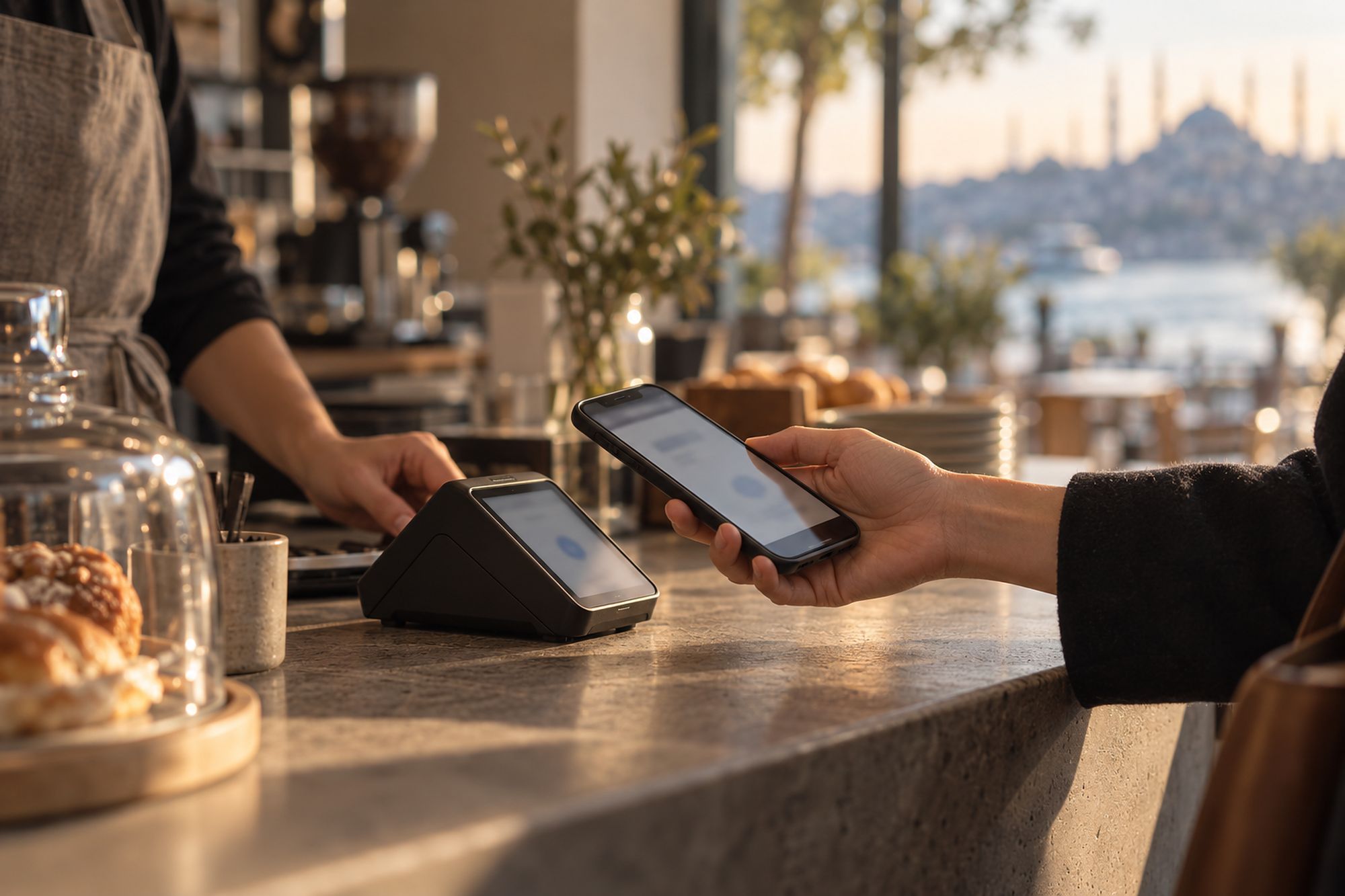
A customer paying with a phone at the counter

Two ways to use it

At the till, or wherever your customer is.

First use

At the till

Your customer is standing in front of you. They scan the QR code or tap their phone. The payment is confirmed before they leave, and it is already linked to the slip.

  • QR code
  • NFC
Second use

At a distance

Orders by phone, online or through social media. You send a payment link by text message, with no extra hardware and no POS terminal. Your customer pays from their own phone.

  • Text-message link

One dashboard for both: the same bank confirmation, the same record.

The dashboard

Every payment and every settlement, in one list.

Finance no longer pieces together screenshots, messages and bank statements to see what came in. The dashboard records every transaction as it happens, with the bank's confirmation next to it.

Sample data
Transactions dashboard: every slip, its status and its settlement.public/assets/img/products/fardpay-dashboard.png
  • The status of every transaction: successful, failed or pending.
  • The bank's confirmation of the payment, and of the settlement.
  • The exact time and amount of each payment and each settlement.
  • A system trail for every transaction, ready for finance and accounting.
  • Every branch and every till in one dashboard.

When a difference comes up, you trace it by slip number, not by memory.

Where FardPay came from

It started with a screenshot at the till.

A multi-branch café-restaurant chain took bank transfers at every till. The cashier checked a receipt on the customer's phone, and the amount was typed by hand. Some transfers never matched their slips, and finding out which ones took days.

The need was not a new way to pay. It was a payment the business could check without trusting anyone's screen. So we built FardPay: one link per slip, the amount from the sales system, the confirmation from the bank.

25,000successful payments in 5 months

Diagnose the need, then build the tool. That is how every FardVisor system starts.

Is FardPay for you?

If money reaches you by bank transfer, it should reach you with proof.

FardPay is for businesses where part of the money arrives by bank transfer, at the till or from a distance. The more tills, branches and remote orders you have, the harder it is to check each transfer by eye.

FardPay fits if

  • Customers pay you by bank transfer at the till.
  • You take orders by phone, online or on social media and get paid from a distance.
  • You run several tills or several branches.
  • Your sales system issues a slip for every sale.
  • Finance needs every payment linked to a sale, with the bank's confirmation.

It's not for you if

  • You take only cash, or only card payments on your POS terminals.
  • You're looking for a new POS or sales system. FardPay doesn't replace either.

Built for

  • Restaurants & cafés
  • Shops & hypermarkets
  • Online and social-media sellers
  • Insurance & services

Create. Send. Get paid.

How do your customers pay by bank transfer today, and who checks it?

Tell us how payments reach you today, at the till and from a distance. We'll show you how FardPay would link each one to its slip and to the bank's confirmation. If FardPay isn't the right fit, we'll tell you.

Request a meeting We reply within 24 hours. All products

FardPay is an independent brand owned by FardVisor.